Two copies.
One exposed clipboard.
Not anymore.
When your coding agent needs an API key, it prints a prompt for you to carry into another terminal, then you go copy the key, then you paste it. Keydrop replaces all of that with one small popup on your Mac. Paste, Save, and the key is in Apple Keychain, gone from your clipboard.
Free. Mac only. Apple Keychain only. macOS 14 or later.

What you just watched. The agent needs a key. Instead of printing a command for you to carry into another terminal, it opens Keydrop with the destination filled in and a link straight to the key page. You paste, click Save, and the agent gets one word back: saved.
What you did not have to do. Copy a multi-line prompt that may not survive the trip. Paste it elsewhere. Go copy the key. Paste again. Leave the key sitting in clipboard history where any app, including an agent, can read it.
Three things, done well.
A popup instead of a prompt.
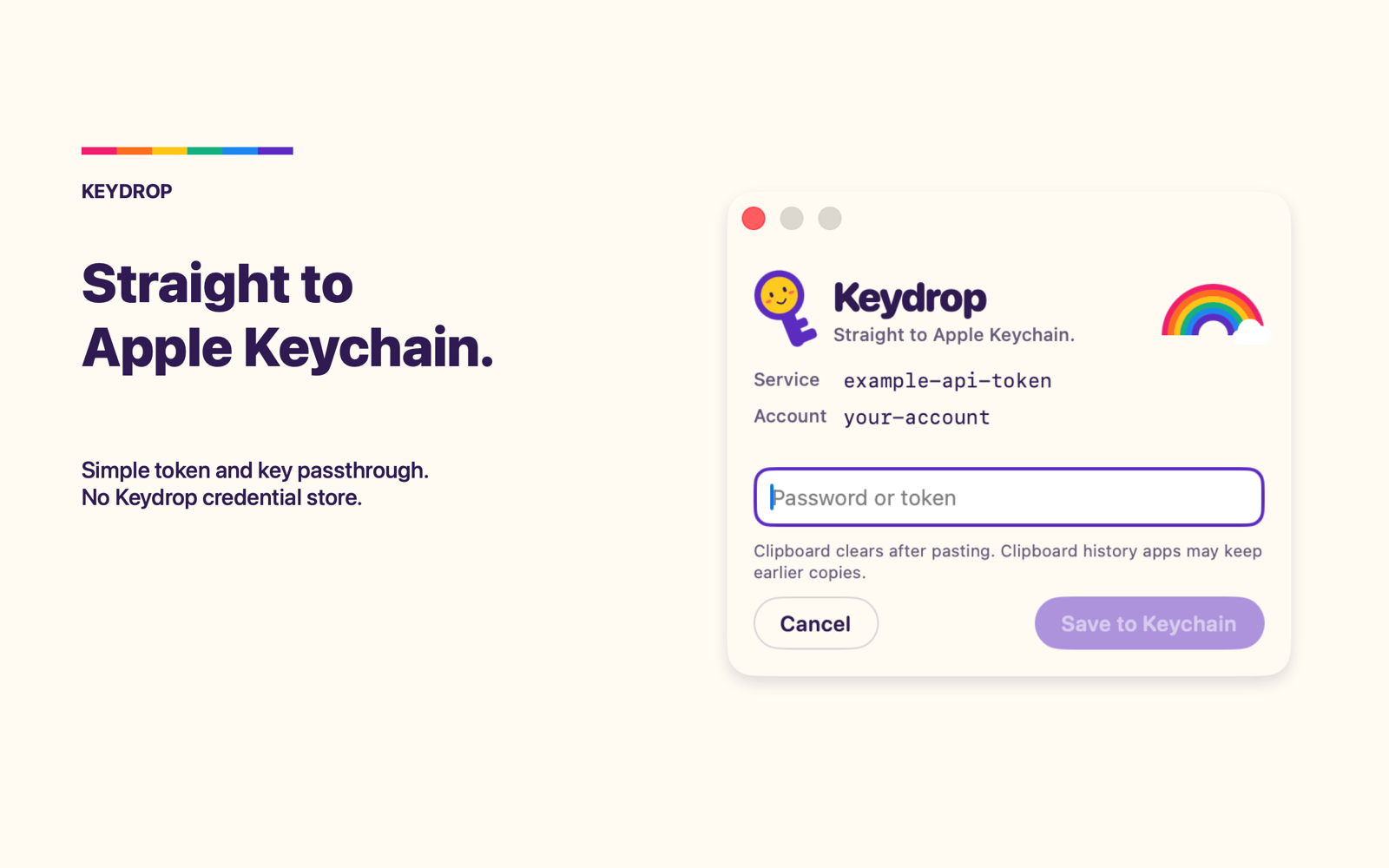
Your agent sends the Keychain destination, a service and an account name. Keydrop floats up with a native secure field. Paste, Save, done. The value never enters the agent's conversation.
Your clipboard comes back clean.
After a successful paste, Keydrop clears your current clipboard, so the key is not sitting there for the next app that reads it. Clipboard-history apps may still hold an earlier copy. Once the key is in Apple Keychain you do not need a copy anywhere else.
A deep link to the key page.
Often the hard part is remembering where the key lives. Your agent can pass the provider's exact key page and Keydrop shows it as a link, noted in its help text as agent-suggested. One click, right page.
What left your Mac.
Keydrop is a passthrough with a friendly face. There is no account, no server, no analytics, and no way to read a key back. It holds the key only for the moment it takes to write it to Apple Keychain, with Apple's normal access controls.
KEYDROP · RECEIPT
Small details that matter mid-session.
Knows what a key looks like
Keydrop recognizes well-known key formats and says "Looks like an OpenAI key" as you paste. It warns when the key contradicts the destination and flags a stray trailing space. Advisory only. Save is always yours.
Counts every character
A live count while you type, and a confirmation that says how many characters were saved. Long keys that terminal prompts truncate arrive whole.
Replace on purpose
If the item already exists, Keydrop asks for a second explicit Replace. Requests expire after five minutes. A second request while one is open is told to wait.
The real app.
Setup is one paste.
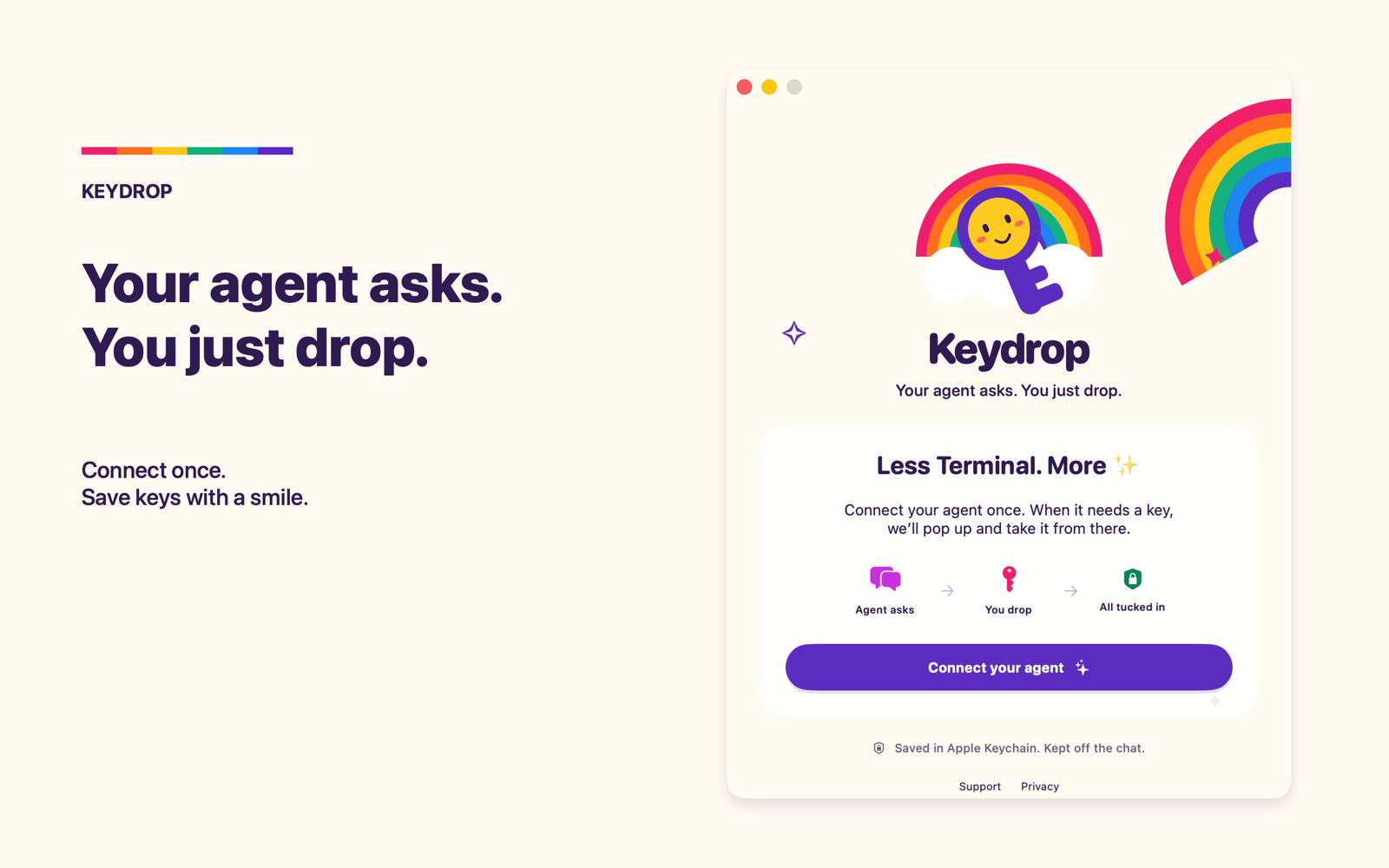
Keydrop includes a local MCP server, so it works with Claude Code, Codex CLI, and other agents that can launch a stdio server on your Mac. The agent discovers one tool, save_credential, and a small skill tells it when to use it.
- Open Keydrop and choose Connect your agent.
- Copy instructions for my agent, then paste them into your coding agent.
- The agent adds Keydrop to its MCP configuration and installs the skill from this site. Restart the agent if it asks.
- Next time it needs a key, the popup opens on its own.
Questions people ask.
Does Keydrop ever see my key?
Only in the native secure field while you enter it, and only for as long as it takes to write to Keychain. Keydrop does not store it, log it, or send it to your agent.
Can my agent read the key back?
No. The only tool Keydrop offers is save. There is no read, list or export, and the response to the agent is a status word.
Where is the key stored?
In your Mac's login Keychain, as a standard generic password item with the service and account names your agent supplied. You can see and manage it in Apple's Keychain Access.
Can my agent open web pages through Keydrop?
It can suggest one page: the provider's official key page. Keydrop shows the site name, says in the link's help text that the agent suggested it, and opens it in your default browser only when you click.
What does it cost, and what do I need?
Keydrop is free. It requires a Mac on macOS 14 or later and a local coding agent that supports MCP and can launch a stdio server. It saves to Apple Keychain only.